Download

Get TimeTally for Mac or Windows

Free while it's in early access. It updates itself: it checks when it starts and every four hours, then offers Restart to update.

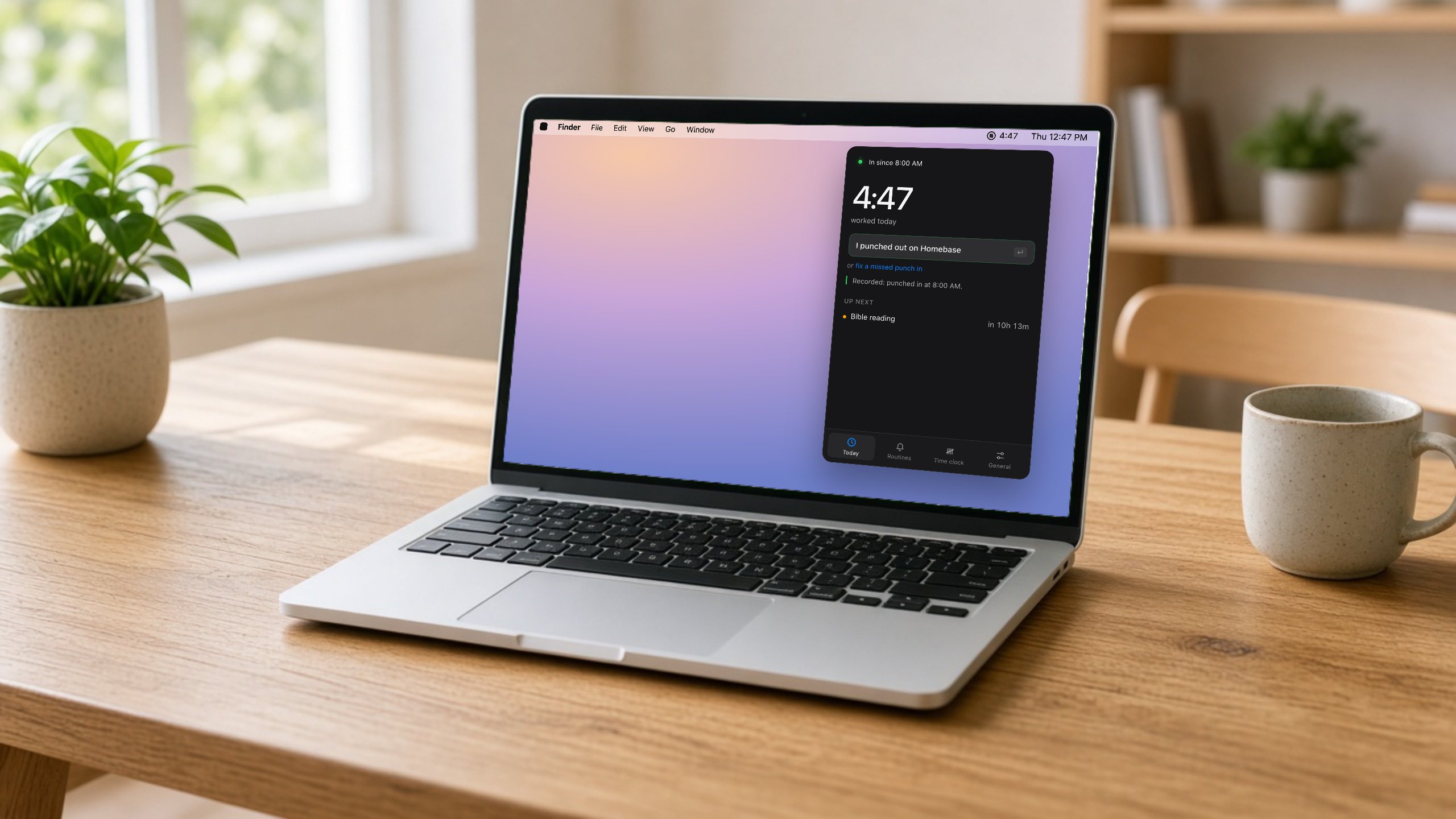
TimeTally on a Mac: the panel open under the menu bar
On a Mac, in the menu bar.
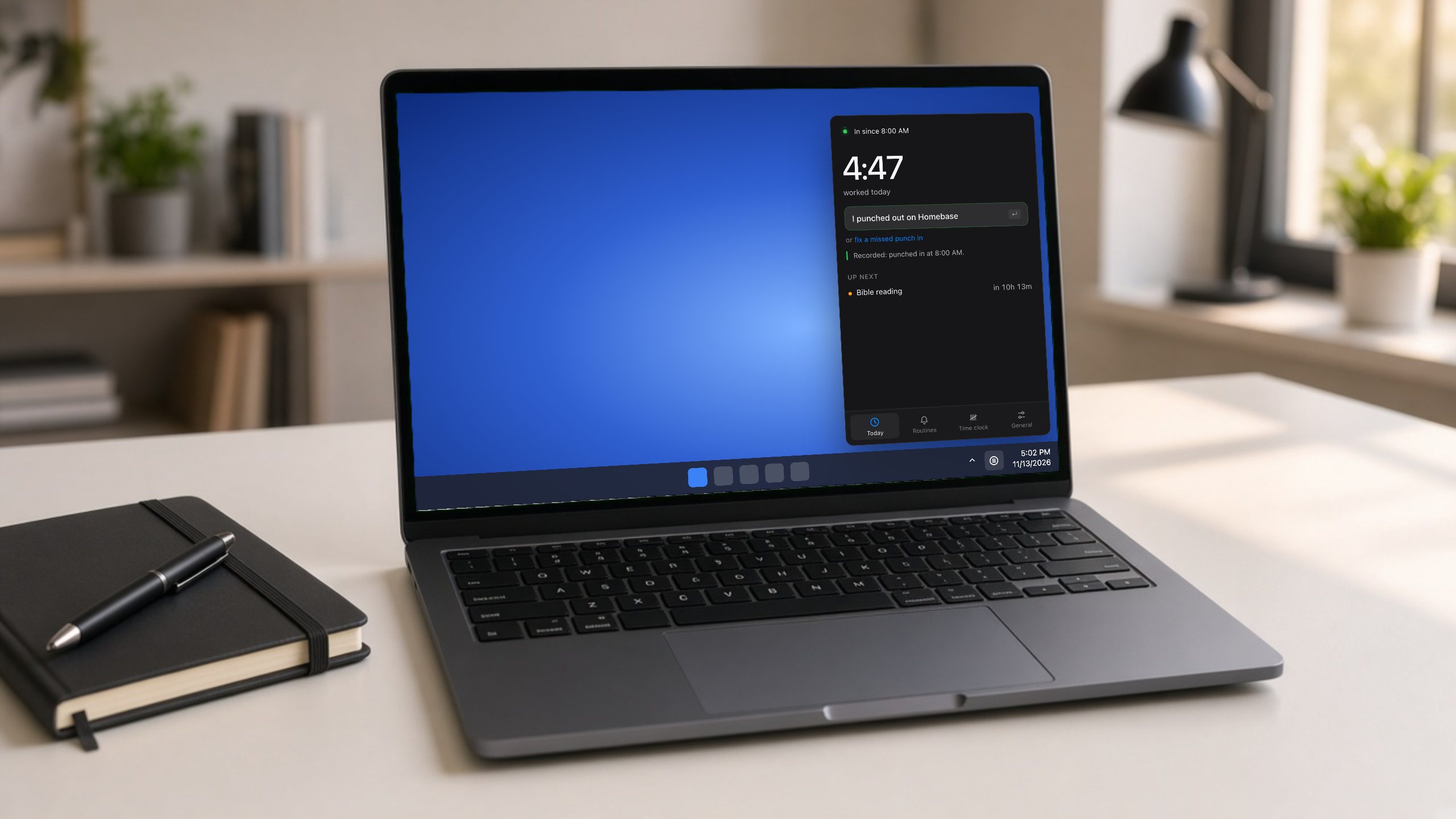
TimeTally on Windows: the panel open above the tray
On Windows, in the tray by the clock.

Mac

What you need

  • macOS 13 Ventura or later
  • Apple silicon and Intel, in one app
  • Signed and notarized by Apple

Install

  1. Open the downloaded .dmg.
  2. Drag TimeTally into Applications, then open it.
  3. It appears in the menu bar at the top right. Click it to sign in and set your hours.
Download for Mac

Windows

What you need

  • Windows 10 or 11, 64-bit
  • Installs for your user, no admin needed

Install

  1. Run the downloaded setup file.
  2. Windows may say it protected your PC, because the installer isn't signed yet. Choose More info, then Run anyway.
  3. TimeTally appears in the tray by the clock. If it's hidden under ^, drag it onto the taskbar so it's always in view.
Download for Windows

Mac only, for now

Noticing your work apps open and stepping around your calendar's meetings need the Mac today. Everything else works the same on Windows. See what's new or every release.