Google Forms
An online form
One tap on the reminder sends your punch to the form for you.
How it works
Say how you clock in and when you work. TimeTally watches the clock, not you, and one tap records each punch.
Pick one during setup; you can change it any time.
Google Forms
One tap on the reminder sends your punch to the form for you.
ADP, Workday, UKG
It opens your punch page, then asks whether you punched, so your record stays right.
Homebase, When I Work
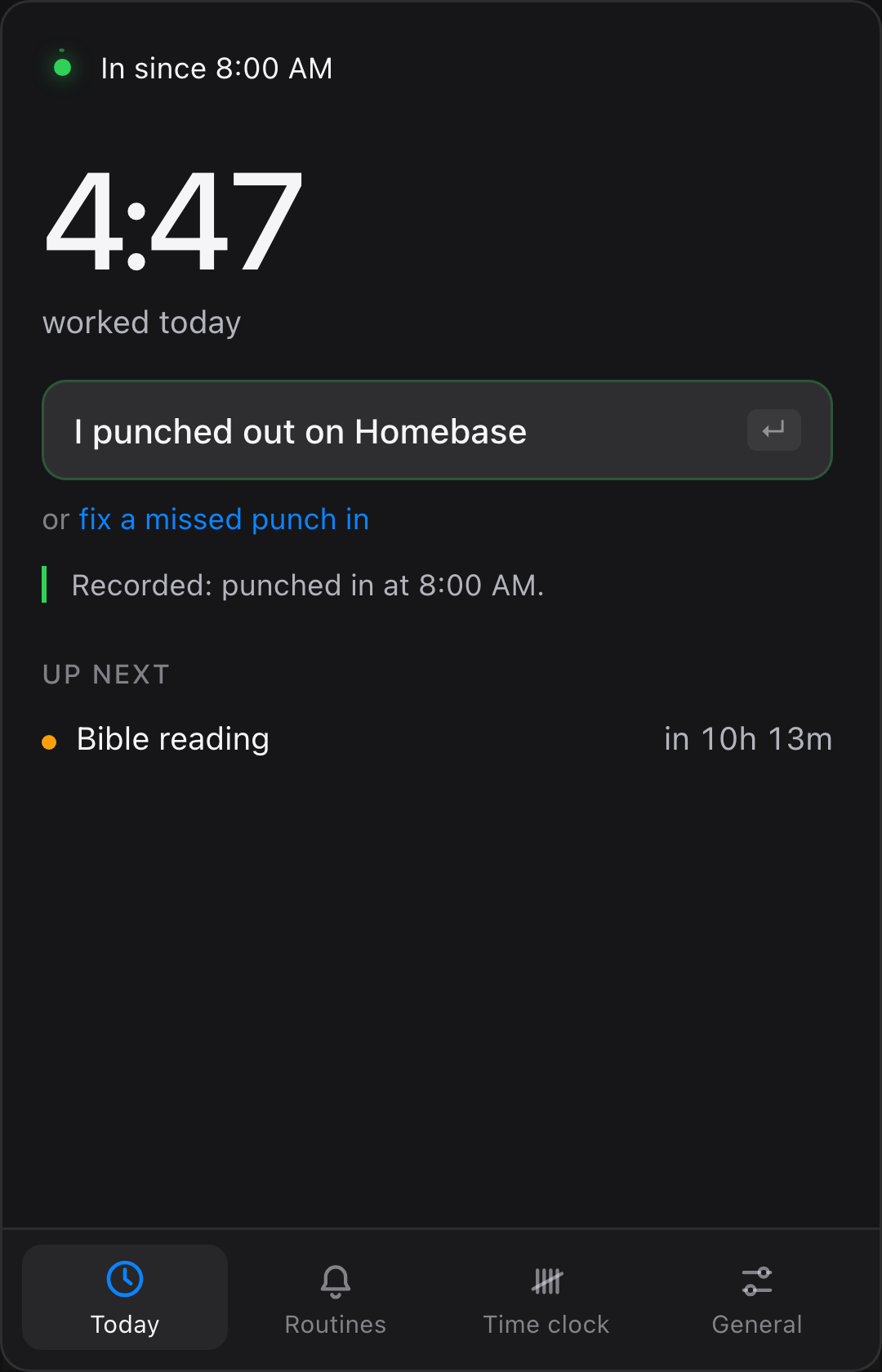
It reminds you to punch on your phone, then records “I punched in on Homebase”.
A message to your team
Post your usual message; TimeTally records that you did.
On site
A reminder as your shift starts and ends; one tap records it.
Just for you
Start work, Stop work: your own record of the hours you put in.
These are the app's own words.
Open Slack, Teams or your work browser and TimeTally asks if you're starting. Mac.
Five minutes into your hours and not punched in? It asks.
When your punch page opens in the browser, TimeTally checks you finished.
The school run, the gym, a reading plan: a countdown before each one, with Snooze.
Still punched in when your hours end? It asks before you close the laptop.
It lives in the menu bar on a Mac and in the tray by the clock on Windows.
| Feature | Mac | Windows |
|---|---|---|
| Work hours and punch reminders | Yes | Yes |
| Punch from the reminder, or send an online form | Yes | Yes |
| Routines with countdowns | Yes | Yes |
| Your own record of every punch | Yes | Yes |
| Notices your work apps opening | Yes | Not yet |
| Steps around your calendar's meetings | Yes | Not yet |
Every punch is kept on your own computer, so you have proof when your employer's clock loses one. Your employer's clock stays the official record.